
Practical Improvements for Daily Work
Workflow Review
Understand how the process actually works, where time is lost, and which steps create errors, delays, or confusion.
Task Automation
Automate repetitive steps, reminders, notifications, reports, imports, exports, and routine updates.
Process Visibility
Create tracking, dashboards, status views, and reporting so the business can see where work stands.

Related Technology Insights

Why Small Businesses Need Technology Leadership, Not Just IT Support
Many small and mid-sized businesses only think about IT when something breaks. A computer will…

When Off-the-Shelf Software Is Not Enough
Off-the-shelf software is often the right choice for a business. It can be affordable, proven,…
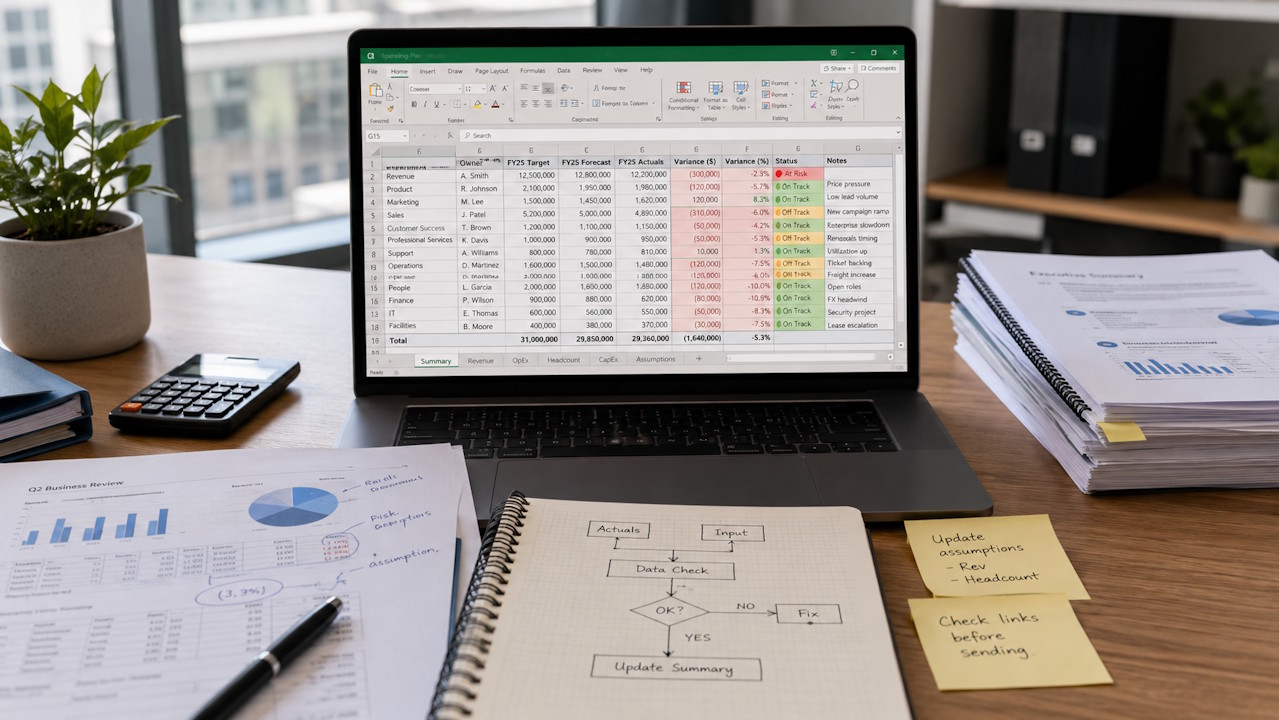
The Hidden Cost of Spreadsheet-Based Workflows
Spreadsheets are useful. They are flexible, familiar, and available to almost every business. For quick…
Common examples include manual reports, reminders, notifications, approvals, imports, exports, scheduled tasks, customer or staff updates, billing-related steps, document generation, and repetitive data entry between systems. The best opportunities are usually processes that happen often, follow a pattern, and take more manual effort than they should.
Yes. Rekeying data between systems is a common sign that a workflow needs improvement. Depending on the systems involved, the solution may be an import/export process, integration, report, database, automation, or internal tool that reduces duplicate entry and improves consistency.
Yes, when it fits the business need. AI can help summarize information, organize requests, classify documents, draft responses, search internal knowledge, or support better decision-making. However, AI should only be introduced to solve a specific operational problem, not simply to adopt the latest trend. We look at the workflow first, then determine whether AI, automation, reporting, software, or a simpler process change is the most practical way to improve it.
Yes. Many recurring reports can be improved or automated. That may mean building a web report or dashboard, scheduling report generation, pulling data from the right source, reducing manual spreadsheet work, or creating a repeatable process so the same report does not have to be rebuilt by hand each time.
We look for work that is repetitive, time-consuming, error-prone, hard to track, or too dependent on one person. We also look at whether automation will truly improve the workflow. Not every step should be automated. The goal is to make the process more reliable, efficient, and visible without creating unnecessary complexity.
Yes. Workflow improvement is not only about reducing manual steps. It is also about improving visibility. We can help create dashboards, reports, status views, notifications, or tracking tools that make it easier for owners, managers, and staff to understand where work stands and what needs attention.